How Estate Agents Create Floor Plans Without Measuring (2026 Guide)
24th March 2026
Still spending hours measuring properties just to create a floor plan?
Between sketching layouts, double-checking dimensions, and trying to make everything look presentable, it can easily eat into your day. And that’s before you’ve even started uploading the listing.
The good news is, most modern estate agents have moved away from manual measuring entirely.
Here’s how floor plans are now being created in minutes, not hours.
The old way vs the new way
Traditionally, creating a floor plan meant:
- measuring every wall manually
- sketching the layout on-site
- redrawing it digitally later
It’s time-consuming and leaves room for human error.
Now, with 360° technology, the process is far simpler and significantly faster.

How to create a floor plan without measuring
Here’s exactly how the process works using a 360° camera and Made Snappy 360:
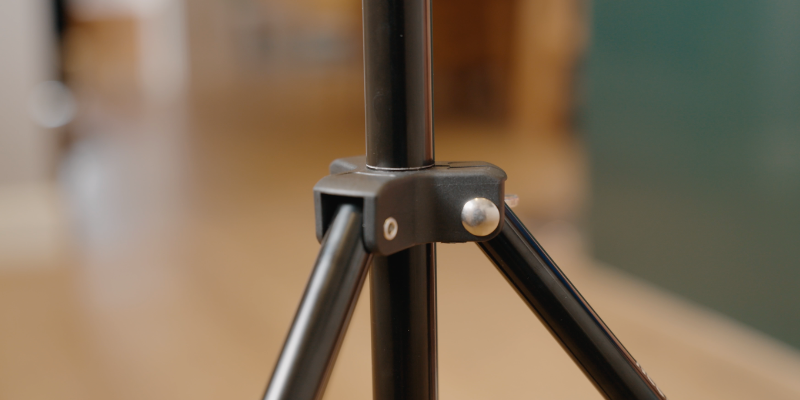
1. Set up your tripod
Place your tripod in the room and adjust it to the recommended height (using the marker on the tripod).
👉 Tip: Keeping a consistent height across every room ensures the most accurate results.
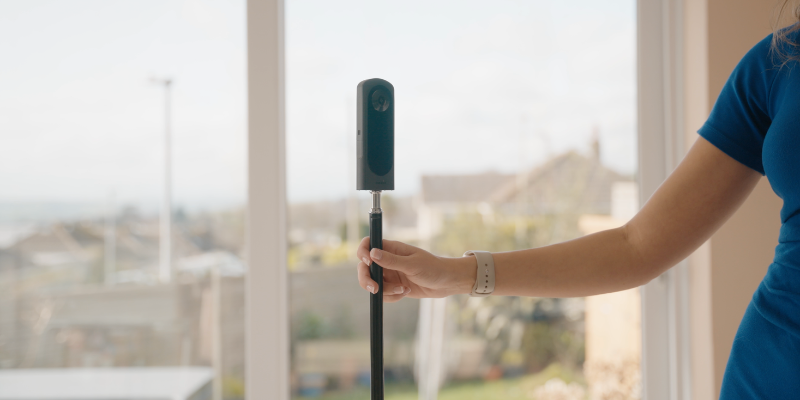
2. Position in the centre of the room
Place the tripod as close to the centre of the room as possible.
👉 Tip: This helps capture the full layout and improves the accuracy of the final floor plan.
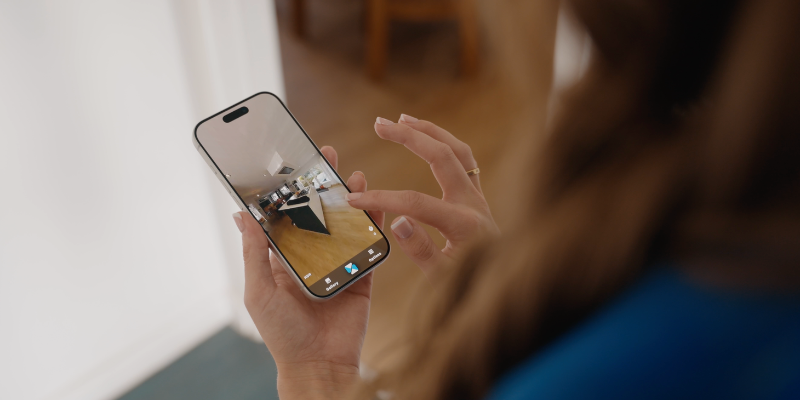
3. Step out of shot and capture the image
Using the Made Snappy 360 app, take one 360° image per room.
Make sure you step out of the room before capturing.
👉 No need for multiple angles, measuring, or retakes. Just one image per room.
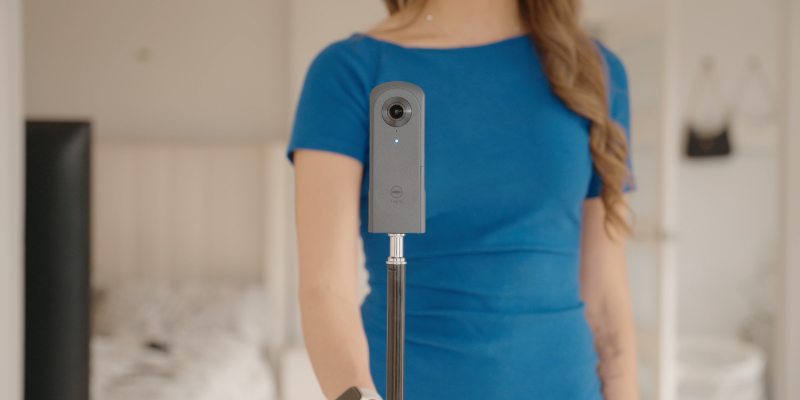
4. Repeat for each room
Move through the property, repeating the same process in every room.
The full capture for a typical 3-bed property can be done in under 10 minutes.
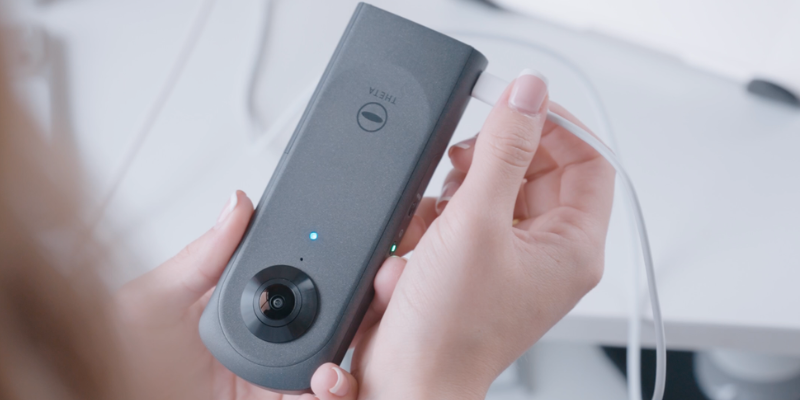
5. Upload your images
Once you’re back at the office (or even on the go), upload your images through the platform.
No editing, stitching, or manual input needed.
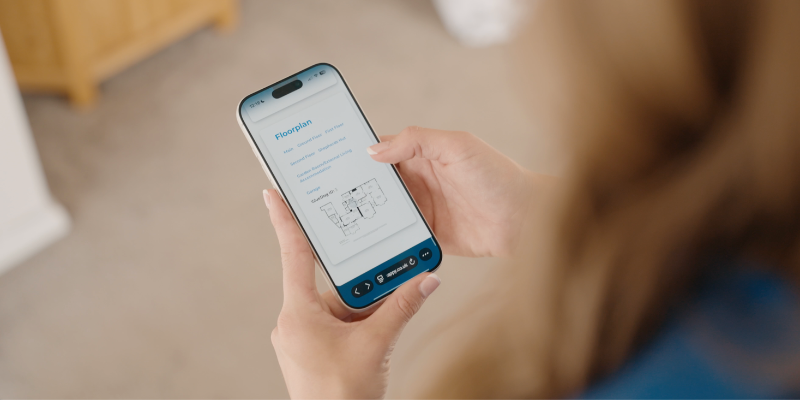
6. Receive your floor plan and virtual tour
Your images are turned into:
- a fully formatted floor plan with dimensions
- a complete, fully branded virtual tour
Delivered the next working day.
7. Customise if needed
You can then:
- change your branding
- adjust labels or room names
- share the tour with vendors or buyers
- use it across portals and marketing

How accurate is this method?
Made Snappy 360’s floor plans are over 98% accurate and built to meet industry standards.
Our team uses the data captured from each image, combined with advanced trigonometry, to remove the guesswork that comes with manual measuring.
Why agents are switching
Agents are moving to this method because it:
- saves hours per listing
- removes manual measuring entirely
- speeds up time to market
- creates a better experience for vendors
- combines floor plans and virtual tours in one process
Final thoughts
Creating floor plans no longer needs to be one of the most time-consuming parts of listing a property.
With the right setup and process, you can capture everything you need in minutes and have professional assets ready the next day.


