
Most property marketing shows buyers a home from eye level. But sometimes, that’s not enough to understand the whole property.
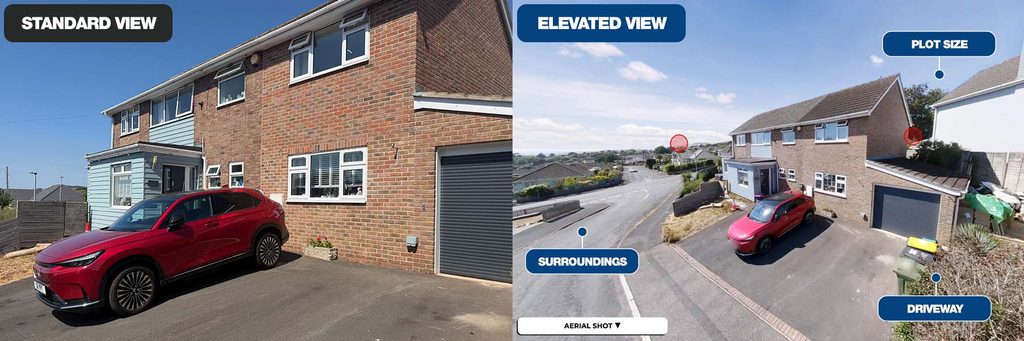
A large garden, generous plot, driveway, countryside view or unusual layout can look completely different from above. Giving buyers that extra perspective can help them understand not just what a property looks like, but how the whole space fits together.
That’s why every Made Snappy 360 setup includes our 4.5-metre aerial pole, allowing agents to capture elevated 360° views without arranging a separate drone shoot or bringing in another supplier.
With your 360° camera securely mounted to the pole, you can capture an elevated viewpoint in seconds and add it directly to your Made Snappy 360 virtual tour.
See more outside. Show buyers the bigger picture.
Why use elevated 360° views for property marketing?
Most exterior property photography is captured from eye level. While that’s great for showing the property itself, an elevated viewpoint can reveal much more.
An elevated 360° image can help buyers understand:
- The size and layout of the garden
- The property’s position within its plot
- Driveways and parking
- Surrounding countryside and views
- Outdoor entertaining areas
- The relationship between different parts of the property
- Features that can be difficult to appreciate from ground level
One additional shot can give buyers a completely different perspective of the property before they’ve even booked a viewing.
Another way to stand out when winning instructions
Elevated property photography isn’t only about giving buyers more information.
It also gives agents another way to demonstrate to vendors how they’ll go beyond standard property marketing when presenting their home.
When you’re competing for an instruction, being able to show vendors that you can provide floor plans, immersive virtual tours and elevated exterior views as part of one simple process gives you another point of difference.
Where do elevated 360° views work best?
The aerial pole can be particularly effective for properties with:
- Large gardens
- Impressive outdoor spaces
- Countryside or coastal views
- Larger plots
- Long driveways or significant parking areas
- Unusual property layouts
But you don’t need to save it for premium properties.
Even a standard residential listing can benefit from an elevated exterior view that gives buyers a clearer understanding of the space before they visit.
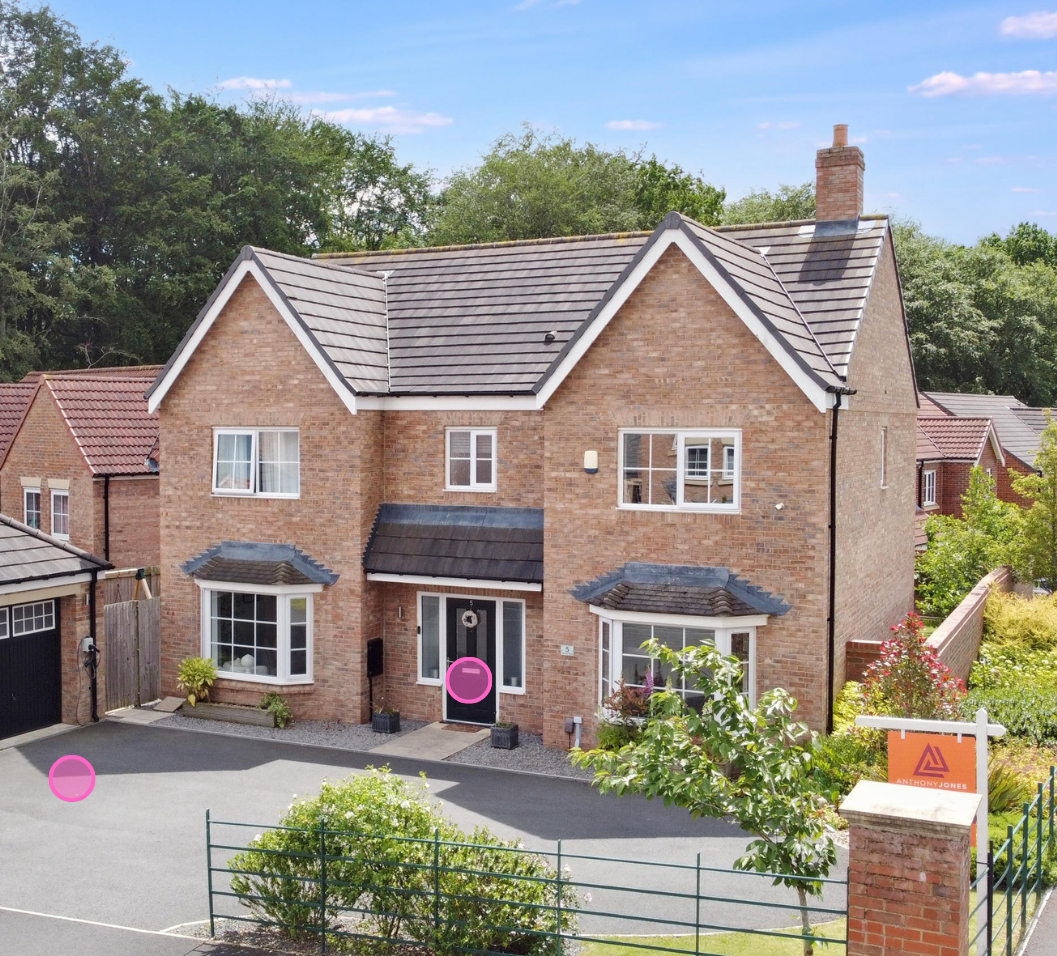
What’s included in your Made Snappy 360 setup?
The aerial pole is included as standard with your Made Snappy 360 camera setup, so there’s no need to arrange a separate drone shoot or bring in another supplier when you want to capture a different perspective.
It works with your 360° camera and tripod and fits into the same straightforward capture process you already use for your floor plans and virtual tours.
A guide to using the Made Snappy aerial pole for elevated 360º shots
Using the aerial pole is simple and only adds a few moments to your normal Made Snappy 360 capture process.
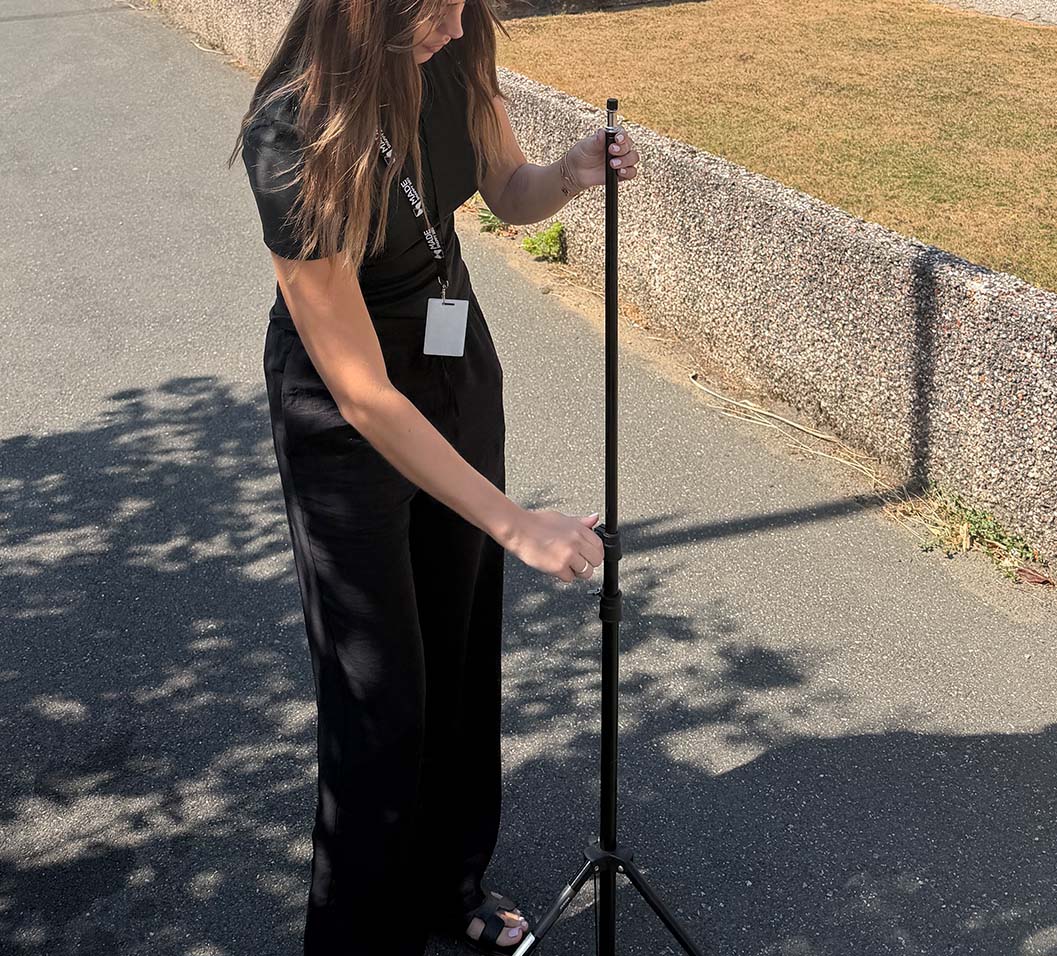
Step 1: Set up the tripod as usual
Take the tripod from your Made Snappy 360 camera pack and extend it to its highest setting.
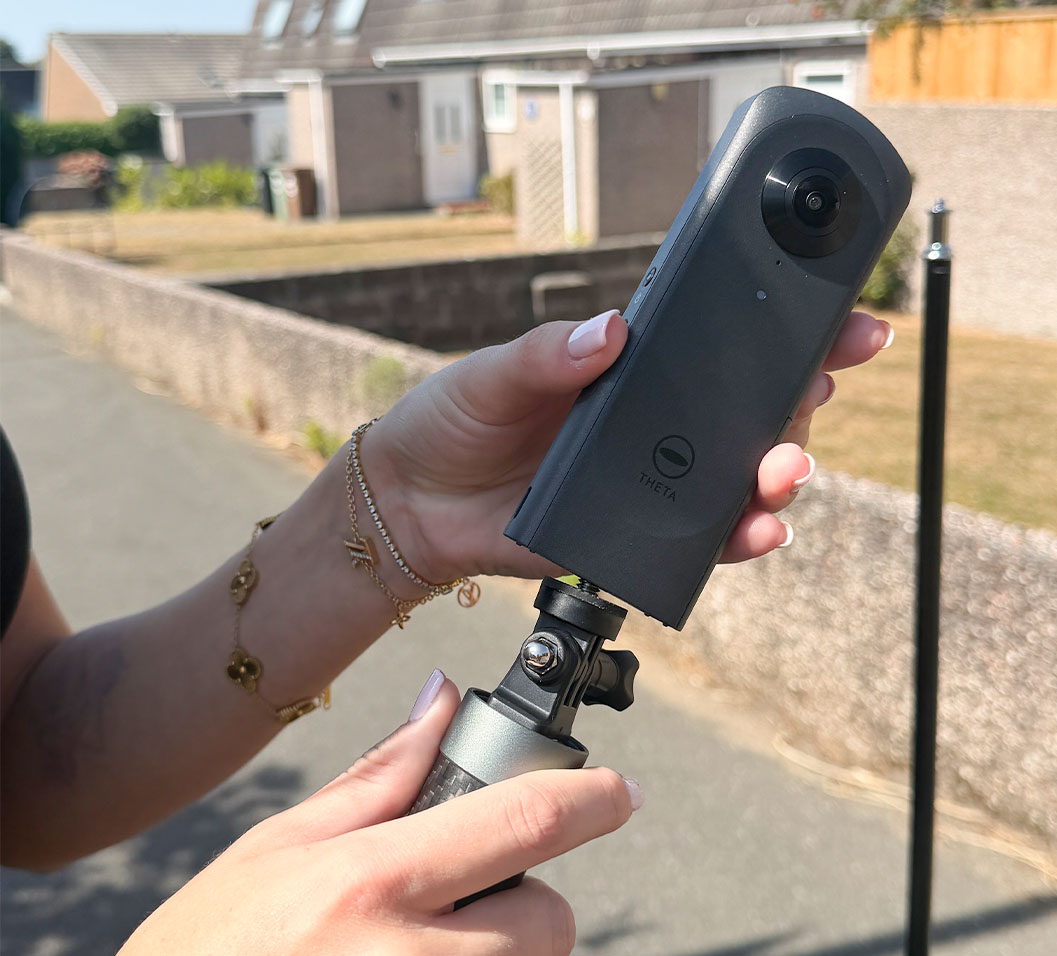
Step 2: Attach your 360° camera to the aerial pole
Securely attach your 360° camera to the top of the aerial pole.
Step 3: Extend the aerial pole to its full length
Fully extend the aerial pole until it reaches its maximum height.
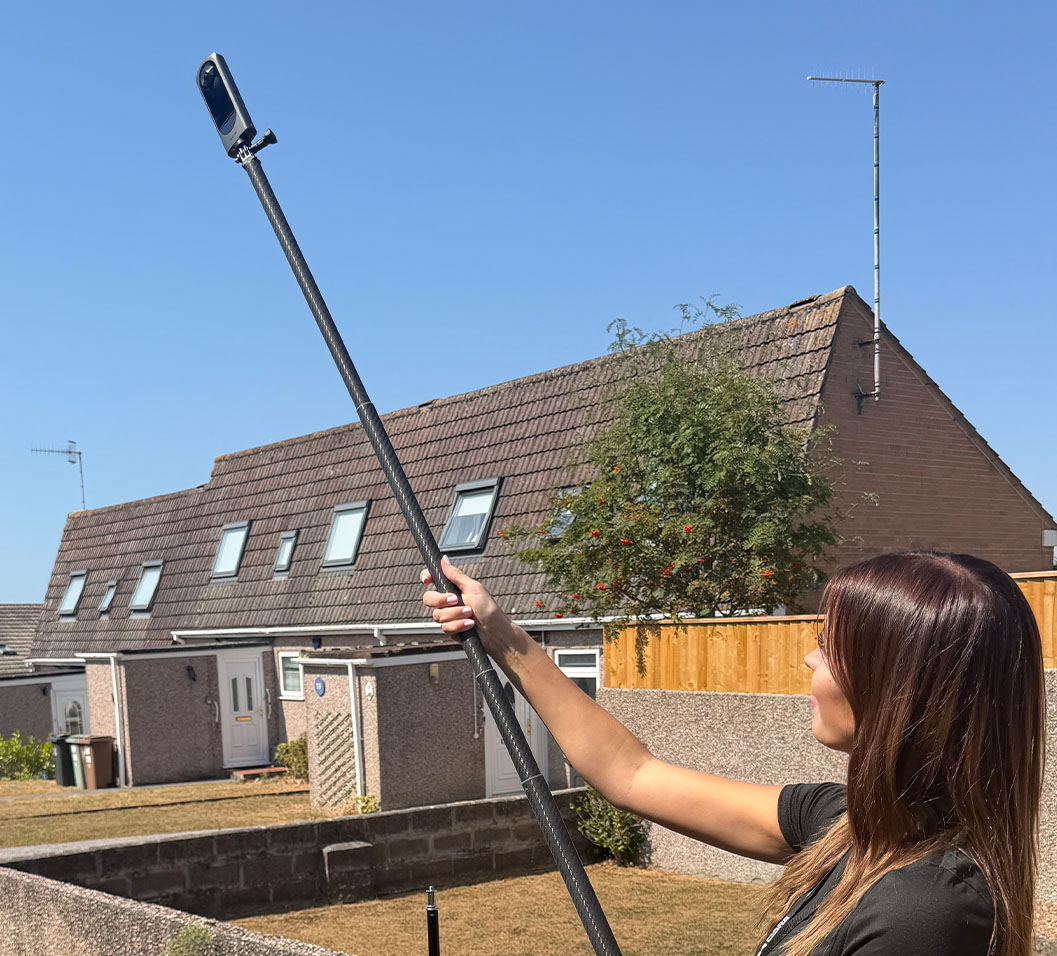
Step 4: Attach the aerial pole to your tripod
Securely attach the aerial pole and 360° camera to the top of your tripod.
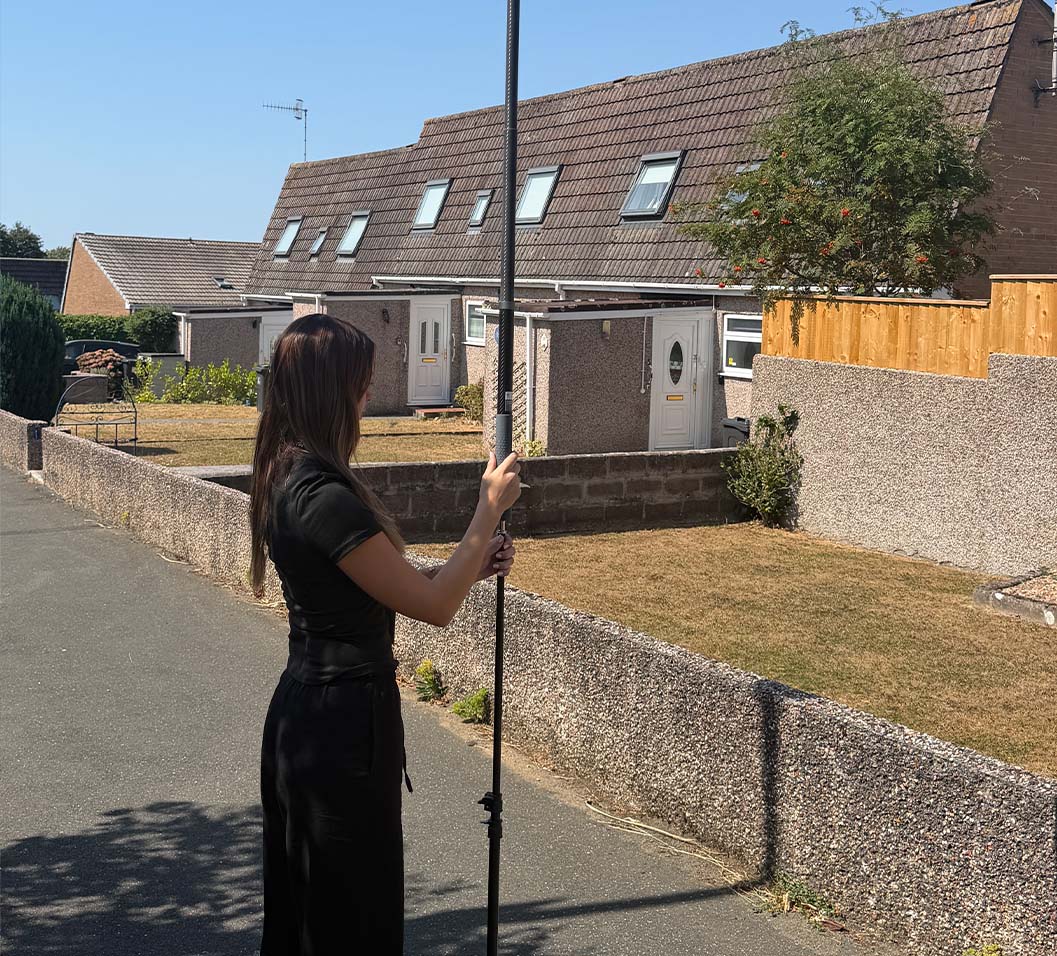
Step 5: Capture your 360° image as normal
Capture your elevated 360° shot just as you normally would when creating your floor plan and virtual tour.
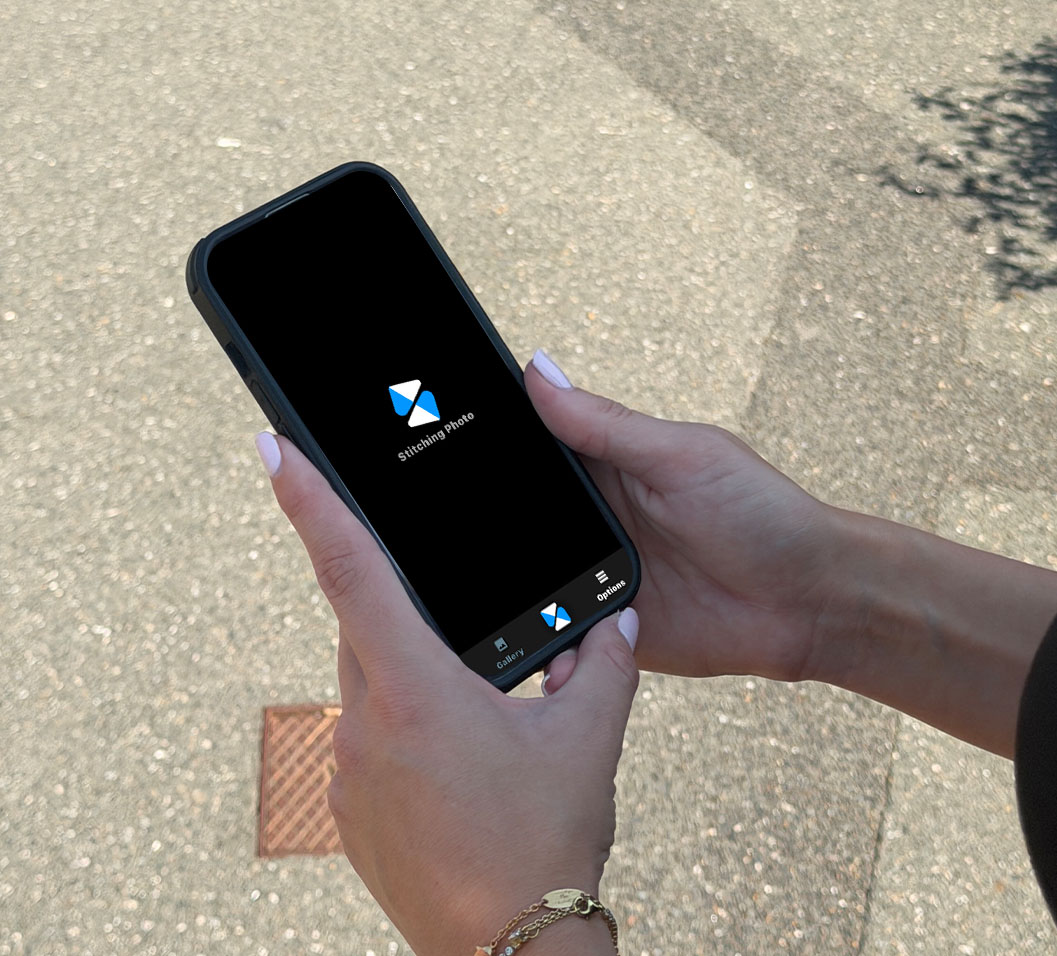
And you’re good to go.
No separate drone shoot. No additional supplier. Just another perspective you can add to your virtual tour as part of the same property visit.
See More. Sell Better.
The aerial pole is just one of the ways Made Snappy helps estate agents create better property marketing with less effort.
In a single property visit, your Made Snappy 360 camera captures everything we need to create an accurate floor plan and immersive virtual tour, while features such as elevated 360° views give you even more ways to showcase the property.
One camera. One simple process. More powerful property marketing.
Want to see what Made Snappy could do for your listings?