
HOW TO EDIT FLOOR PLAN LABELS
Edit floorplan labels
01
Find your property
From the properties page, find and click on your completed property.
02
Select ‘Edit Floorplan’
Send us your 360° capture and property photos. We’ll take care of everything from there.
03
Make your changes
When you click on a room, you can change its label and dimensions.
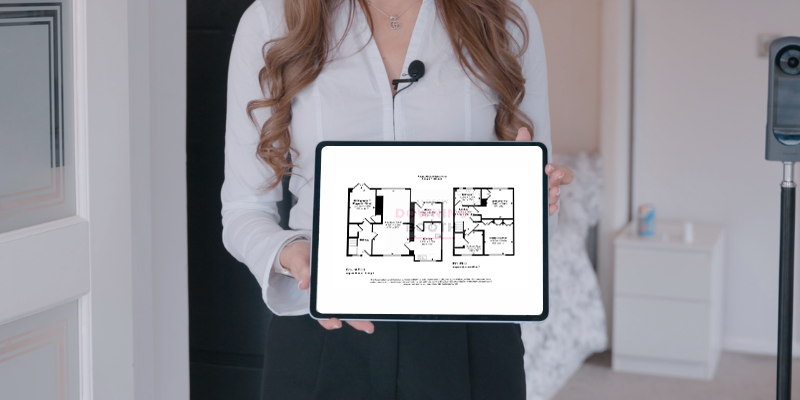
When you click on a floor name, you can change the name or square footage (SQFT) of that floor. To change the overall SQFT, update the SQFT for each floor, and the overall SQFT will update automatically.
Please ensure to press ‘Save’ at the top when you’re done so that these changes will also be reflected in your virtual tour.
Video guide
Edit floorplan labels
A quick video showing you how to edit your room labels: